

FAYA Staff on your phone
Manage your team from anywhere
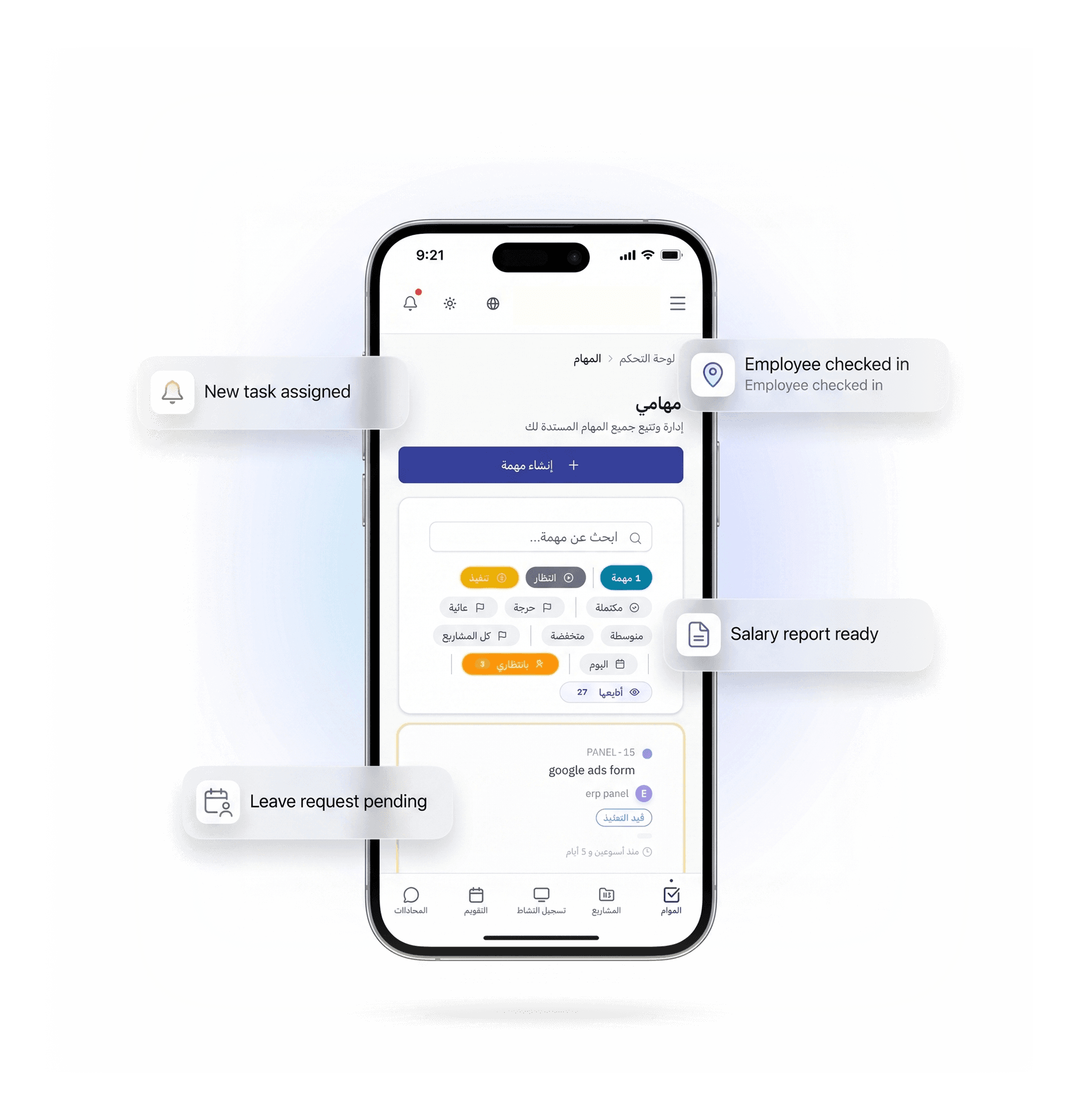
Install the app on your phone in seconds — no app store, no long download. Get instant notifications for everything in your team: tasks, attendance, leave, and payroll.
What is a PWA app?
Progressive Web App — a full app installed directly from the browser with no app store. Opens as a standalone app on your home screen, sends push notifications, and runs as smoothly as any App Store or Google Play app — but much smaller and with no fees.
Why install it on your phone?
All native app features — no app store, no download
Instant installation without store
Open the site in your browser and tap "Add to Home Screen" — the app appears on your phone instantly without the App Store or Google Play.
Push notifications for everything
You don't need to open the app every time you see the new one. Everything that happens on your team — a notification that connects you directly on mobile even if the screen is locked.
Fast as any regular app
Opens in a second, moves smoothly, works efficiently. There's no difference between it and any app from the store — it's often faster.
Secure and fully encrypted
All data is encrypted with HTTPS. The app only works on a secure connection — your team's information and their salary are fully protected.
Always auto-update
You don't need to get tired of a manual update. Every new feature we launch comes to you instantly — always on the latest version.
On all your devices.
Mobile, tablet, or laptop — same app, same data, same experience. Install it on any device in the same way.
Never miss a thing
Enable notifications once and let FAYA tell you everything happening in your team — straight to your phone, even when the app is closed.
Tasks & Projects
Attendance and Dismissal
Leaves and Orders
Salaries and Finance
Example notifications on your phone
I have a new assignment for you-- something stateside.
Ahmed assigned you the task "Review monthly report"
Check in
سارة — دخلت 08:02ص ✓
He was late for work
Mohamad — Not yet registered
New Leave Request
خالد يطلب إجازة 3 أيام — بانتظار موافقتك
Payroll Ready
March Payroll Issued — Click to view
How do you install it?
5 خطوات بسيطة حسب جهازك
iPhone / iPad
- 1Open Safari and log in to FAYA Staff
- 2Tap the share icon ↑ at the bottom
- 3Select "Add to Home Screen"
- 4Tap "Add" — you're all set!
- 5Open the app and enable on-demand notifications
Android
- 1Open Chrome and sign in to FAYA Staff
- 2The "Install app" prompt will appear automatically
- 3Or open the ⋮ menu and select "Install app"
- 4Tap "Install" — you're all set!
- 5Open the app and enable on-demand notifications
Desktop
- 1Open Chrome or Edge and sign in
- 2Look for an icon in the address bar
- 3Tap it and select "Install"
- 4Opens as a standalone app in a special window
- 5Enable on-demand notifications
PWA vs native app
Same experience — without app store hassle
ثبّته الآن — 30 ثانية
Log in from your phone and install the app from the browser. Enable notifications and let FAYA keep you updated on your team.
Get started